
Designing a design thinking methodology online course
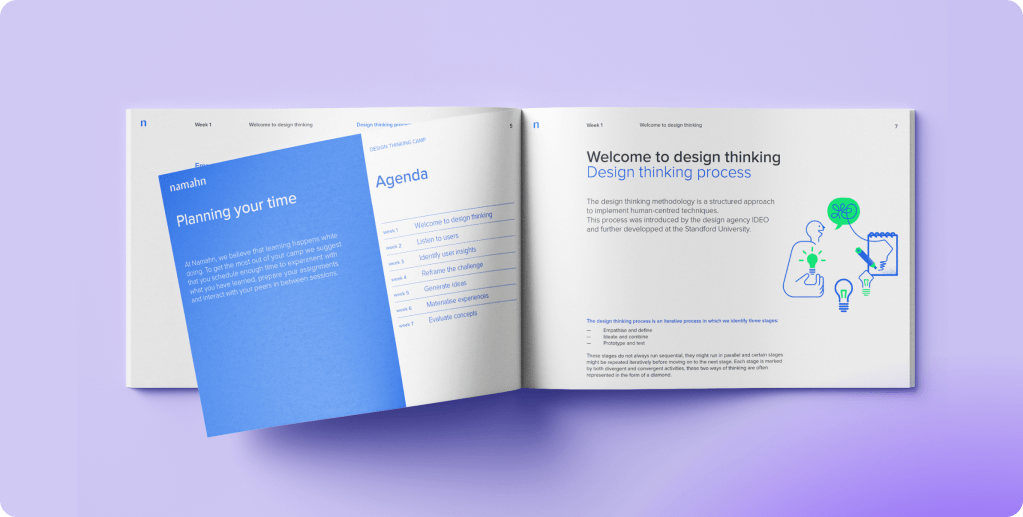
We’ve designed an online training program aimed at familiarizing participants with design thinking principles and essential tools. Our objective is to ensure accessibility to individuals of all backgrounds, facilitating their comprehension and application of this innovative problem-solving approach. This online format allows us to reach a broader audience and ensures that the training can be easily replicated without excessive effort.

Team
3 UX designer, 1 project manager
Industry
Education
Language
English
Year
2022
My role
My role was facilitator: I created support material for the sessions as the design challenge and the exercises, and creative content to engage the attendees, I facilitated part of the training and mentored their projects.

Approach
We designed seven sessions to meet our learning objectives. In the first session, we explain the design thinking process, providing a comprehensive overview of its stages and principles. The second session focuses on recognizing the key questions to ask during a design project, ensuring that participants can identify the right areas of inquiry.
In the third session, we delve into formulating unbiased questions, teaching participants how to craft questions that elicit genuine and useful insights. The fourth session is dedicated to recognizing design challenges from user insights, helping participants identify and understand the core issues faced by their users.
During the fifth session, we introduce and apply various ideation techniques to the identified design challenges, encouraging creative and innovative thinking. The sixth session involves selecting and combining ideas into coherent, end-to-end concepts, ensuring that participants can develop comprehensive solutions.
Finally, in the seventh session, we prepare and run a basic concept test, guiding participants through the process of evaluating their concepts in a real-world scenario. This final session ensures that the solutions developed are practical, effective, and user-centered.
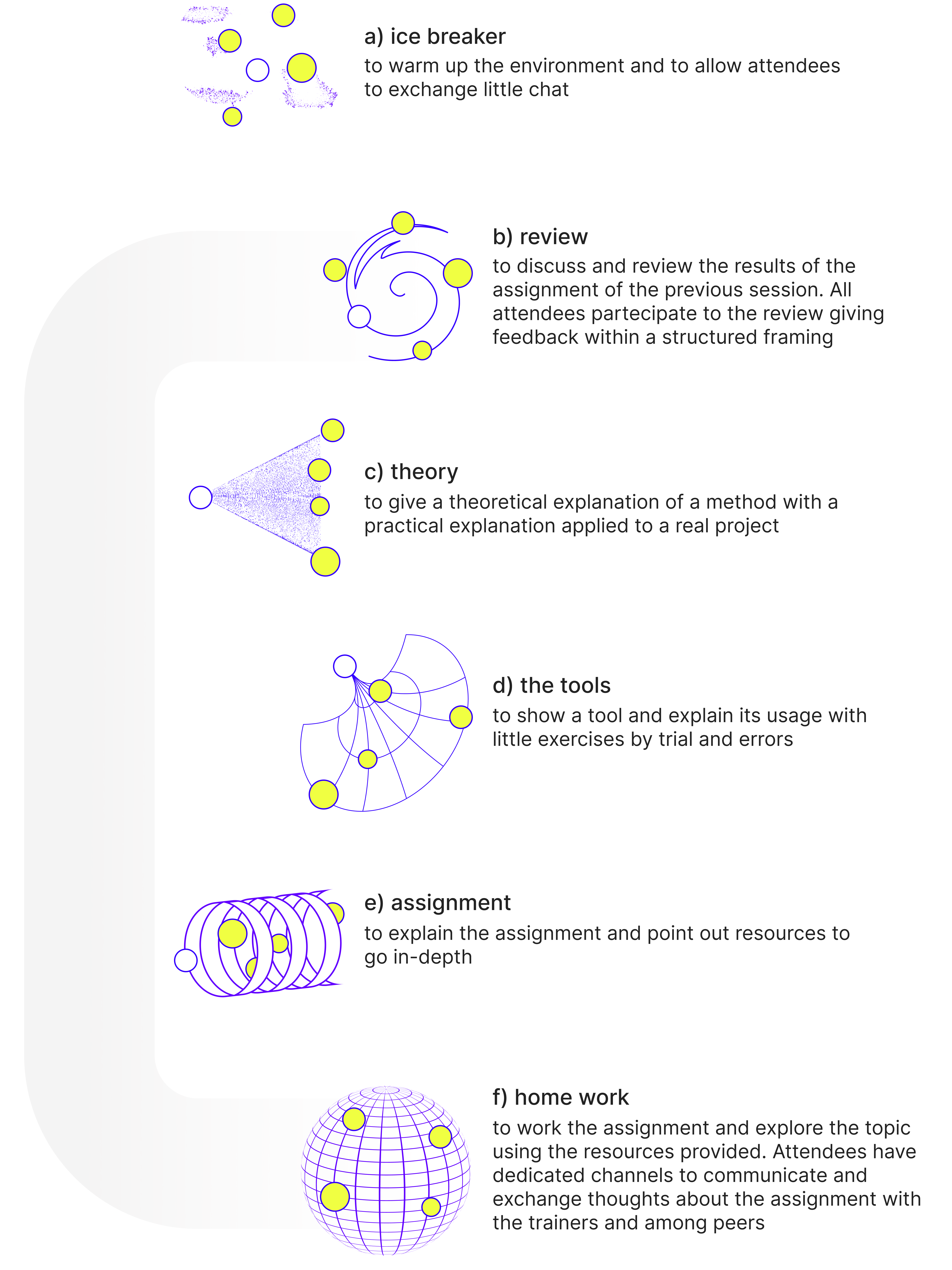
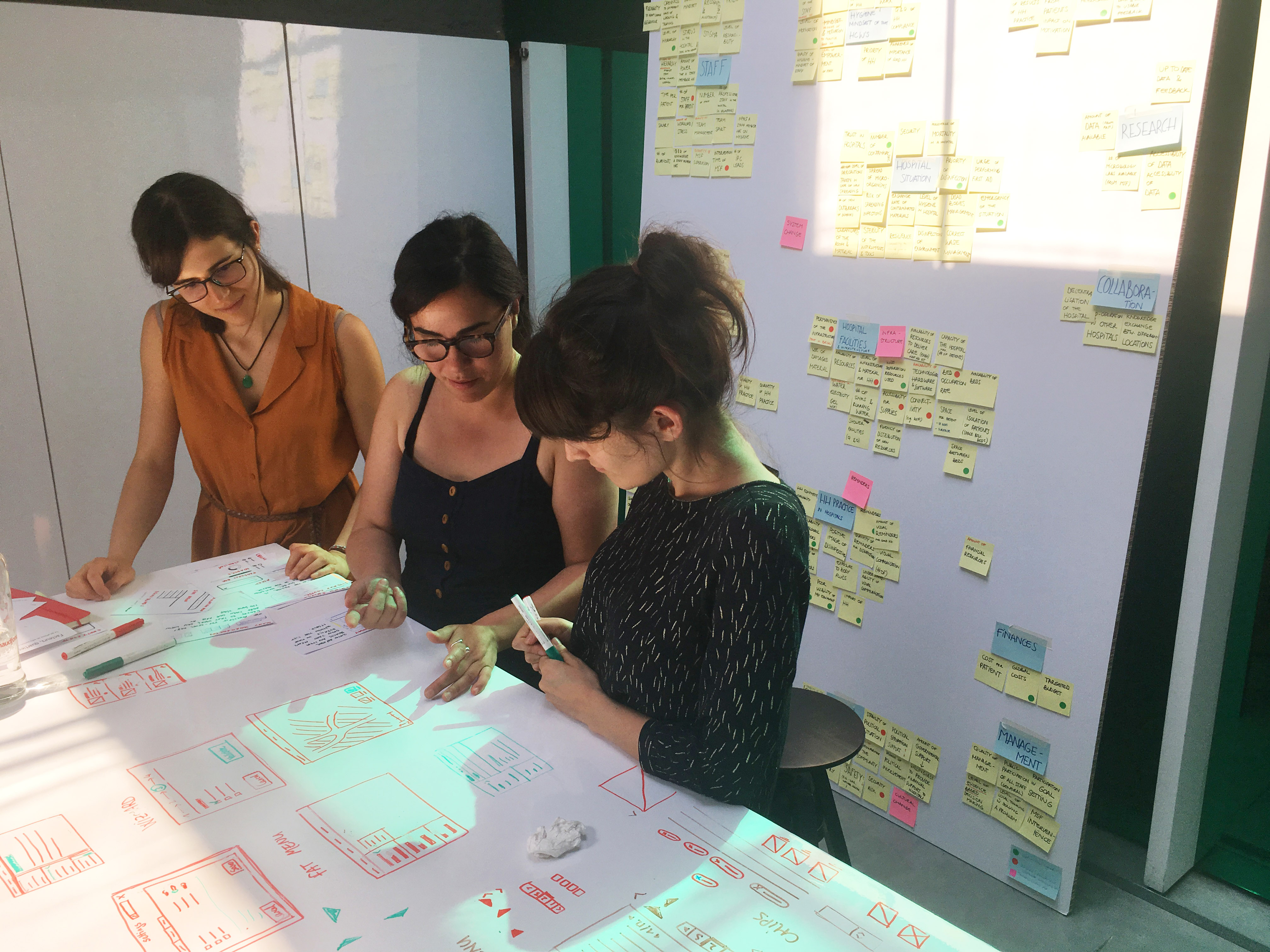
The best way to meet the learning objectives is to focus more on hands-on learning and keep the theoretical part of the training to a minimum. To do so All sessions have a similar setup, except for the first one. In the first session, we start with getting everyone onboard and explaining what we aim to learn and what’s expected from everyone:
| S | Topics | Assignments |
| 1 | Introduction about the training 💎 design challenge 💎 empathising with the user | 1. choose design challenge 2. context map 3. interview guide |
| 2 | review assignments 💎 listen to the users 💎 overview of research techniques | 4. identify research questions |
| 3 | review research questions 💎 how to perform qualitative interview | 5. perform qualitative interviews 6. make sense out of insights |
| 4 | review insights collection 💎 design challenge definition | 7. reframe the design challenge |
| 5 | review the design challenge 💎 overview of the ideation techniques | 8. ideation through lotus blossom |
| 6 | review of the design concept 💎 prototyping and testing tecniques | 9. prototype and test the weakest hypothesis in the concept |
| 7 | review test’s results reflections about the experience, review of personal project, wrap up |
Deliverables
We’ve created various resources to support our participants throughout the training. Personally, I’ve overseen the development of these materials and channels, ensuring they meet quality and consistency on a content and formal level:
- A syllabus containing theories and additional resources to help delve deeper into the theoretical aspects of the training.
- An interactive presentation crafted on Figma, offering an engaging way to explore the content.
- A Miro board equipped with essential tools to facilitate collaboration and learning.
- A dedicated team channel established for communication and file sharing among participants.
- A playlist of music to complement the learning environment and enhance engagement.

☞ What I learn
👉🏼 Facilitating online training presents different challenges compared to live sessions, primarily because attention spans tend to be shorter. I have learned to introduce more variations within each lesson and to make even the theoretical parts interactive.
👉🏼 Given that the course spanned over two months, maintaining engagement and curiosity between lessons was crucial. I learned that it’s important to enhance the experience with interactive moments that don’t require excessive effort or collaboration from attendees. For example, incorporating elements like a musical playlist, a direct communication channel, or resources for in-depth study can be beneficial.
👉🏼 Encourage participants to bring their own projects to apply solutions and methodologies to specific cases. This enhances engagement and provides an opportunity for attendees to address any uncertainties regarding the methodology.
What else
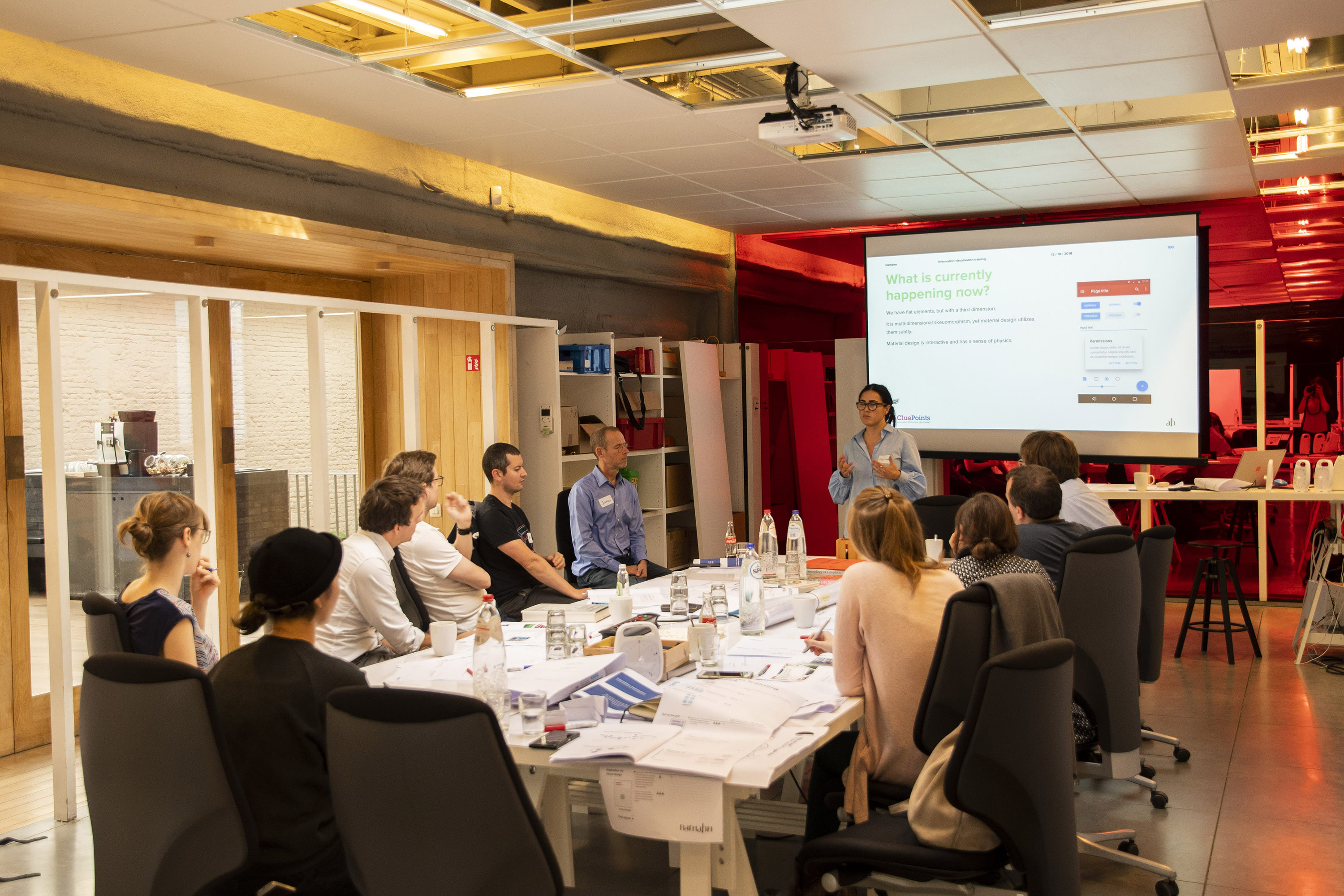
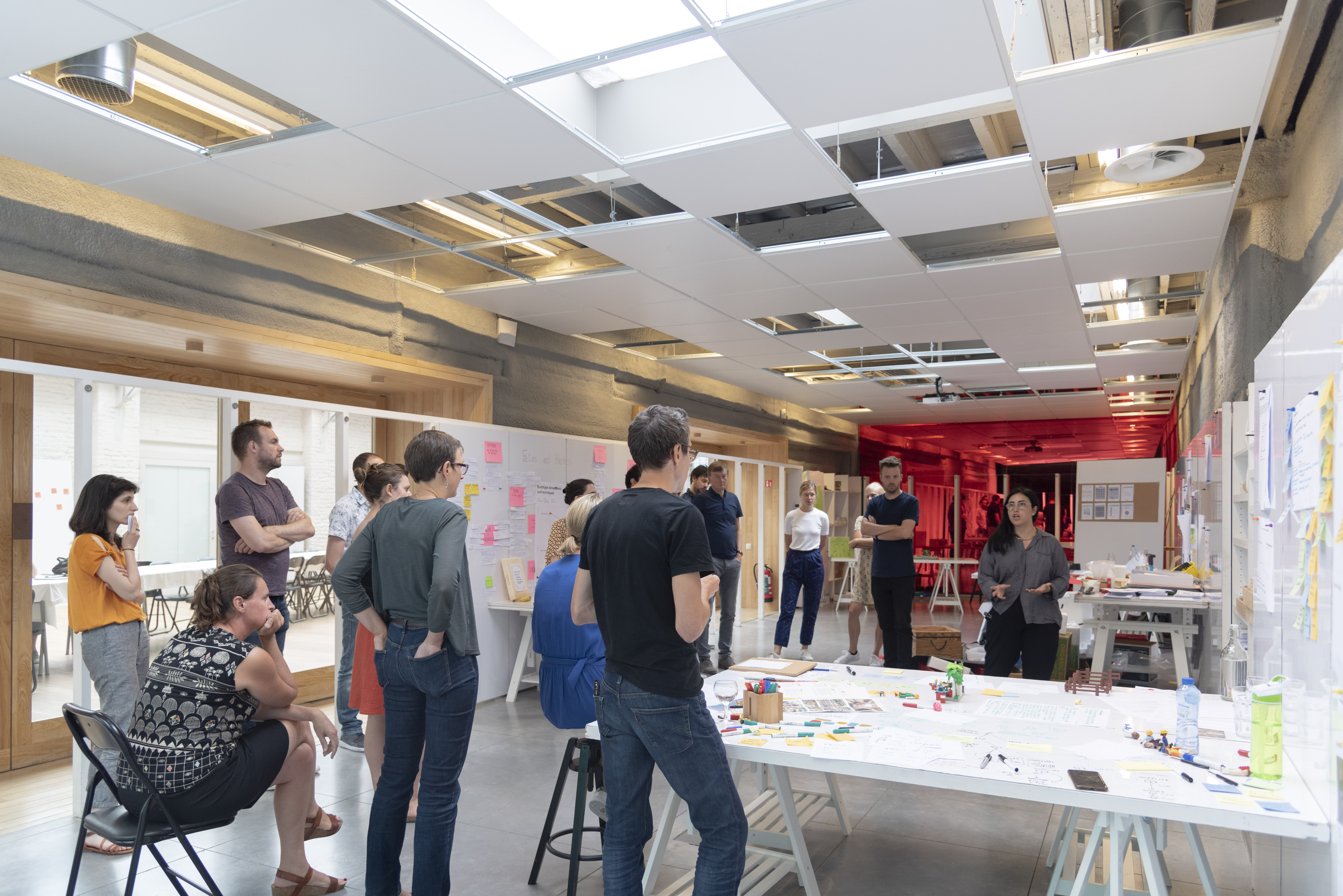
I created and conducted training, covering all aspects including content, exercises, materials, and promotion. The topics included data visualization, mobile design, design systems, and Figma training.


 Alessandra Rodilosso Portfolio